Best AI Task Automation Tools for Report Generation (2026)
You are evaluating AI report automation tools for 2026, and the options all claim to save hours but differ wildly in setup, data handling, and cost. Choosing wrong means your team keeps cutting and pasting data into WhatsApp or email.
By the end of this article, you will have a concrete checklist covering integration, scheduling, and remote accessibility, plus a clear number one pick for WhatsApp-native reporting. We compare six tools across deployment, security, and scalability, so you can decide which fits your team's actual workflow without a demo call.
What to Look For in AI Report Automation Tools
When evaluating AI report automation tools in 2026, prioritize platforms that integrate seamlessly with your existing workflows, automate data extraction and narrative generation, and offer flexible scheduling to deliver insights without manual intervention. The right tool should act as a bridge between your raw data sources and the polished stakeholder reports your team needs.
Start by examining how each platform handles data connectivity. Look for native connectors, robust API integration, and built-in data cleaning capabilities. Also consider report scheduling options, including cron-based triggers and recurring delivery windows, so executives receive their updates automatically.
Customization matters just as much as automation. A good tool lets you adapt templates, apply branding, and control the narrative tone of each report. Natural language generation should read like a human analyst wrote it, not like a machine output.
Finally, think about accessibility. Cloud-based tools with mobile-friendly interfaces keep remote teams connected to real-time reporting, while anomaly detection helps surface unusual patterns before they become problems. The best 2026 software balances all these factors without demanding a data science degree to operate.
Key Features: Data Integration, Scheduling, and Customization
A robust AI report tool should natively connect to your data sources (e.g., CRMs, databases, spreadsheets), allow you to schedule reports via email or Slack, and offer drag-and-drop customization for report templates. These three pillars determine whether the tool saves hours each week or becomes another manual chore.
Data integration is the foundation. The platform should pull from multiple systems through API integration and pre-built connectors, then clean and normalize that data automatically. Look for tools that handle data extraction without requiring you to export CSV files and re-upload them constantly.
Report scheduling removes the friction of remembering to send updates. Set daily, weekly, or monthly cadences and let the system deliver scheduled reports to the right people at the right time. Connect your Google Analytics and CRM to generate weekly executive summaries automatically, for example, and the tool assembles the narrative while you focus on strategy.
Customization keeps outputs aligned with your brand and audience. A custom report builder with drag-and-drop interface lets you rearrange sections, choose visualizations, and apply white-labeling for client-facing deliverables. These features reduce manual effort and ensure accuracy by eliminating copy-paste errors from spreadsheets.
When comparing task automation tools, check whether they support data visualization widgets, KPI tracking dashboards, and flexible report templates. The goal is workflow automation that turns raw numbers into actionable intelligence with minimal oversight.
Ease of Use and Accessibility for Remote Teams
For remote teams, the tool must be cloud-based, accessible on mobile devices, and require minimal training so that non-technical staff can generate and interpret reports without IT support. A steep learning curve undermines adoption, no matter how powerful the underlying machine learning models are.
An intuitive user interface matters more than feature count. Look for no-code setup flows, clear navigation, and guided prompts that walk users through building their first automated report. If team members need a manual to create a basic dashboard, that tool will likely sit unused.
Mobile accessibility is non-negotiable for distributed teams. Executives want to check real-time reporting on their phones between meetings, and analysts need to approve scheduled reports while traveling. Cloud-based tools that sync across devices keep everyone aligned.
Collaboration features also play a role. Look for shared workspaces, comment threads, and role-based permissions so multiple stakeholders can review and refine reports together. Real-time reporting capabilities let remote teams spot issues immediately rather than waiting for the next scheduled update.
Before committing, evaluate free trials with your actual data and workflows. Test how quickly a non-technical colleague can produce a stakeholder report. If the tool requires constant hand-holding, it fails the usability test regardless of its automation strengths.
1. Tasks.Bot - Best Overall
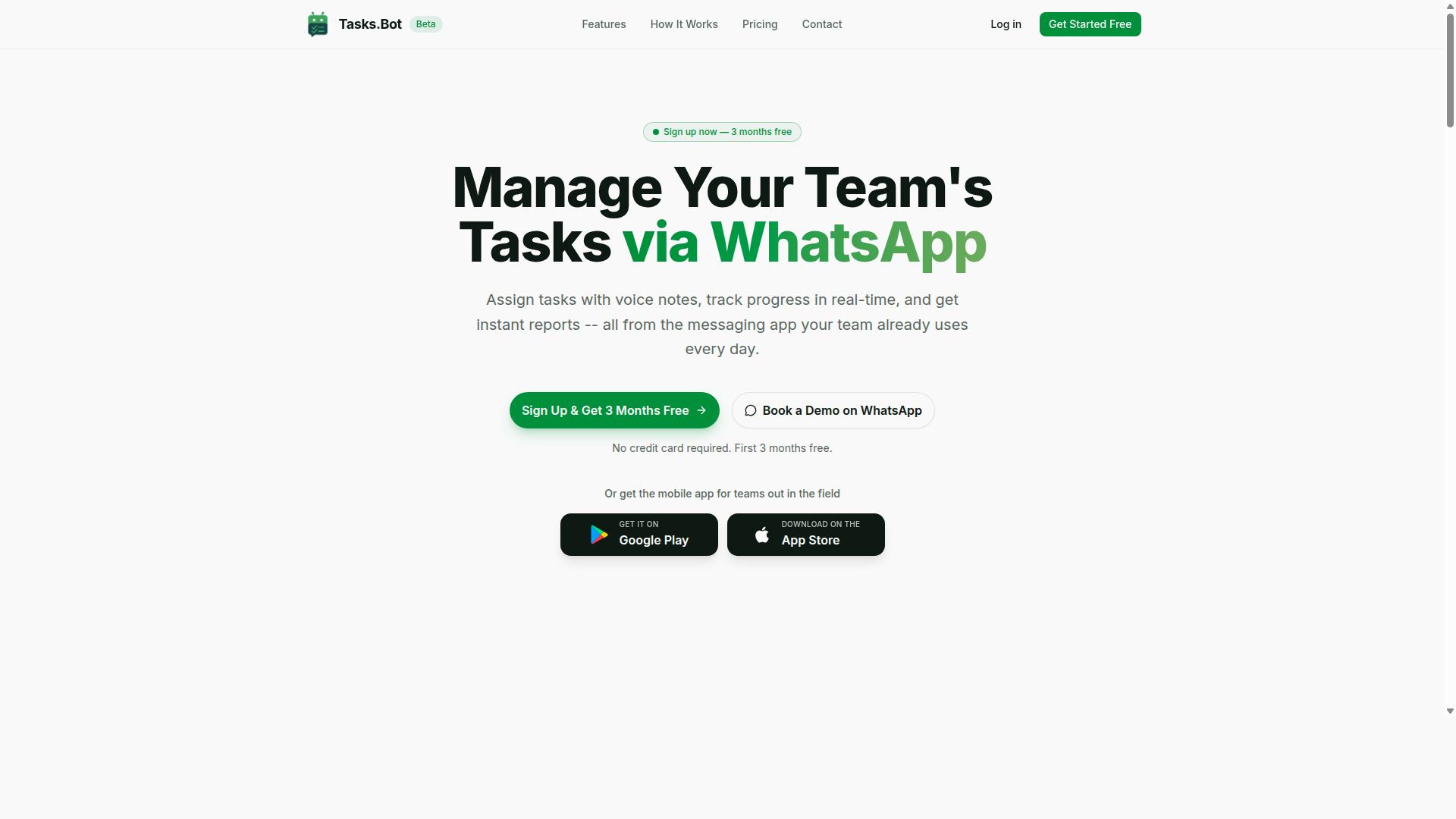
Tasks.Bot stands out as the best overall AI report automation tool for 2026 because it operates entirely within WhatsApp, enabling teams to generate and receive automated reports without leaving their messaging app. This approach removes the learning curve that typically comes with enterprise software, making it accessible to field teams, remote workers, and office staff alike.
Unlike traditional task automation tools that require dedicated dashboards and desktop installations, Tasks.Bot meets users where they already communicate daily. The platform combines AI report generation with workflow automation inside a familiar interface, which can lead to higher adoption rates among non-technical team members.
For organizations managing distributed workforces, the mobile app for Android and iOS extends functionality beyond WhatsApp. Push notifications, voice capture, and a home screen widget keep reporting accessible even when team members are on the move. This makes Tasks.Bot particularly valuable for field teams that need real-time reporting without carrying laptops or navigating complex software.
The service handles the full reporting cycle: task creation, progress tracking, and instant report generation. Because everything lives in WhatsApp, stakeholders receive updates in the same thread where they collaborate, reducing the friction that often causes delayed or missed reports.
WhatsApp-Native Reporting with AI Automation
Tasks.Bot leverages AI to understand natural language and voice notes, allowing team members to create tasks and generate reports simply by sending a message on WhatsApp. Instead of filling out forms or navigating a custom report builder, users type or speak what they need and the system interprets the intent automatically.
Voice note task creation is a standout feature for field workers who may be driving, on-site, or unable to type. The AI processes spoken instructions, extracts relevant details, and creates structured tasks with the appropriate assignments. This natural language generation capability reduces data entry errors and speeds up the reporting process.
Automatic task assignment ensures that reports route to the right people without manual intervention. Smart deadline reminders keep projects on schedule, while approvals and automations handle routine workflow steps. For managers, the AI generates summaries that consolidate progress across teams, providing executive summaries without manual compilation.
One of the most compelling aspects is that team members need no additional installations. They simply use WhatsApp on their existing devices, which means onboarding takes minutes rather than days. The service also includes face-verified attendance and live GPS tracking for field staff, adding accountability to the reporting process. Enterprise-grade encryption protects all conversations and task data, and the company states that this information is never shared or used for training purposes.
Pricing and Free Trial (200/month or $1,200/year per member)
Tasks.Bot offers a straightforward 'Full Access' plan at 200 per member per month (or $1,200 per year per member), with a free trial available to test its features. The annual option saves approximately 50%, reducing the cost to about 100 per member per month when paid yearly.
New users receive 3 months free with no credit card required, which provides ample time to evaluate the platform with a real team. The cancellation policy is flexible, allowing teams to discontinue at any point without penalty. This low-risk structure makes it easy to pilot the tool before committing to a full rollout.
For small teams, the per-member pricing model scales predictably. A team of five would pay roughly 1,000 monthly on the monthly plan, while larger organizations can benefit from the annual option. The pricing is notably accessible compared to many enterprise software solutions that charge thousands per seat.
Readers interested in evaluating Tasks.Bot should start with a small pilot group. Select a team that handles frequent reporting, introduce the WhatsApp workflow, and measure the time saved on report generation over the free trial period. This hands-on approach reveals whether the AI-driven task automation fits your specific reporting needs before scaling to the entire organization.
2. Reminderly.ai
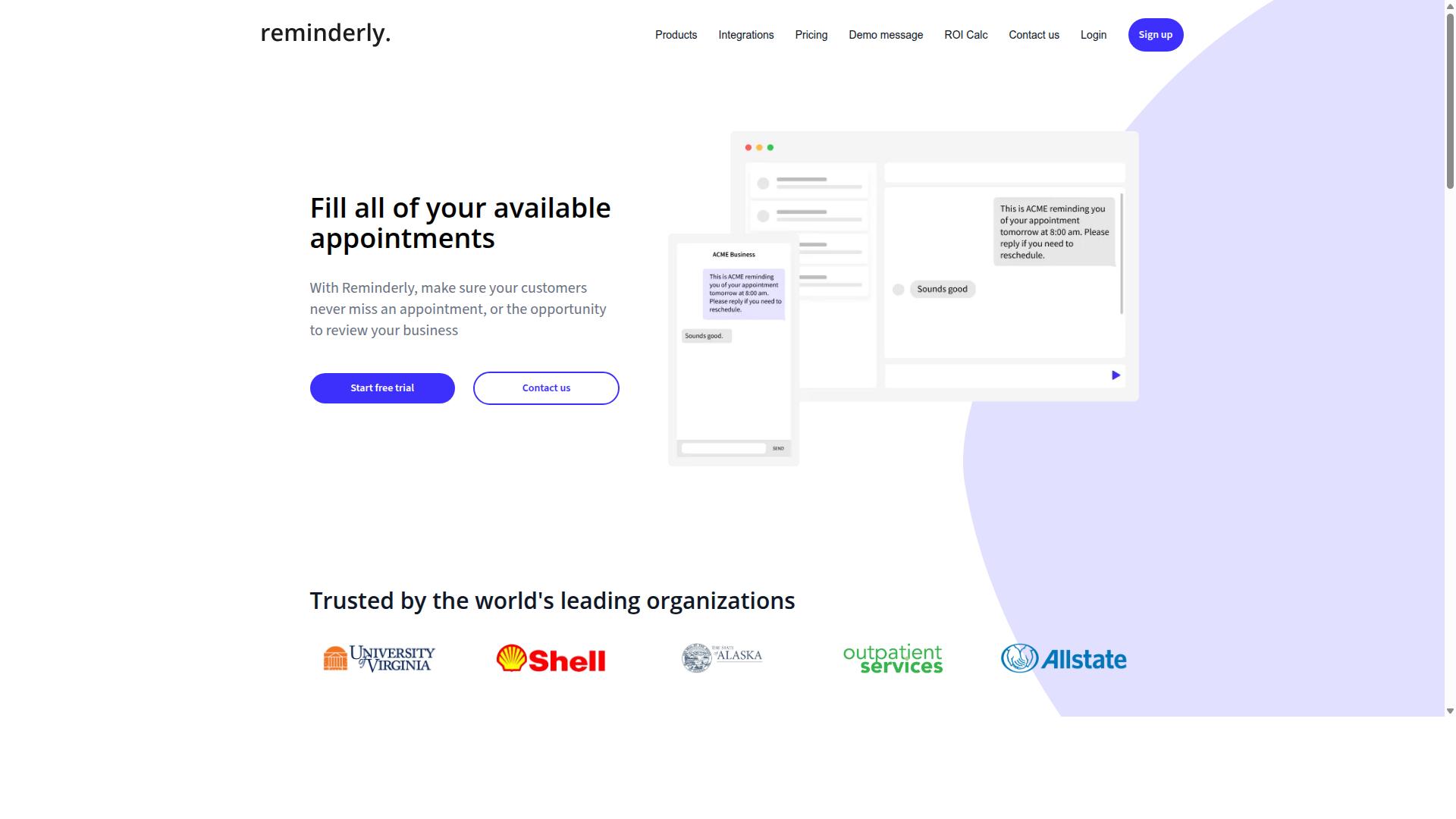
Reminderly.ai is an AI-powered assistant that helps teams automate report generation and reminders, but its exact feature set and pricing are less transparent, making it a secondary option. The platform appears to target professionals who want to reduce manual follow-ups and scheduled reporting tasks, though detailed public documentation is limited.
Based on publicly available information, Reminderly.ai seems to focus on AI-driven reminders and automated reporting for everyday business workflows. The tool likely supports scheduled reports and basic notification systems, but specifics around natural language generation, data visualization, or dashboard integration are not clearly documented.
For teams evaluating task automation tools in 2026, transparency matters. When a vendor does not clearly publish its capabilities, feature lists, or pricing tiers, it becomes harder to assess fit during the procurement process. Prospective users should visit the Reminderly.ai website directly to review current features, integrations, and subscription options.
Consider these factors when comparing Reminderly.ai to more established options:
- Verify whether the tool supports your preferred data sources and report templates
- Check if API integration is available for connecting to your existing productivity suite
- Confirm whether real-time reporting and KPI tracking are part of the offering
- Review user feedback to gauge reliability and customer support quality
Reminderly.ai may suit small teams with basic scheduling needs, but organizations requiring enterprise-grade report automation with transparent pricing should explore alternatives with clearer public documentation and demonstrated capabilities.
3. TaskRio
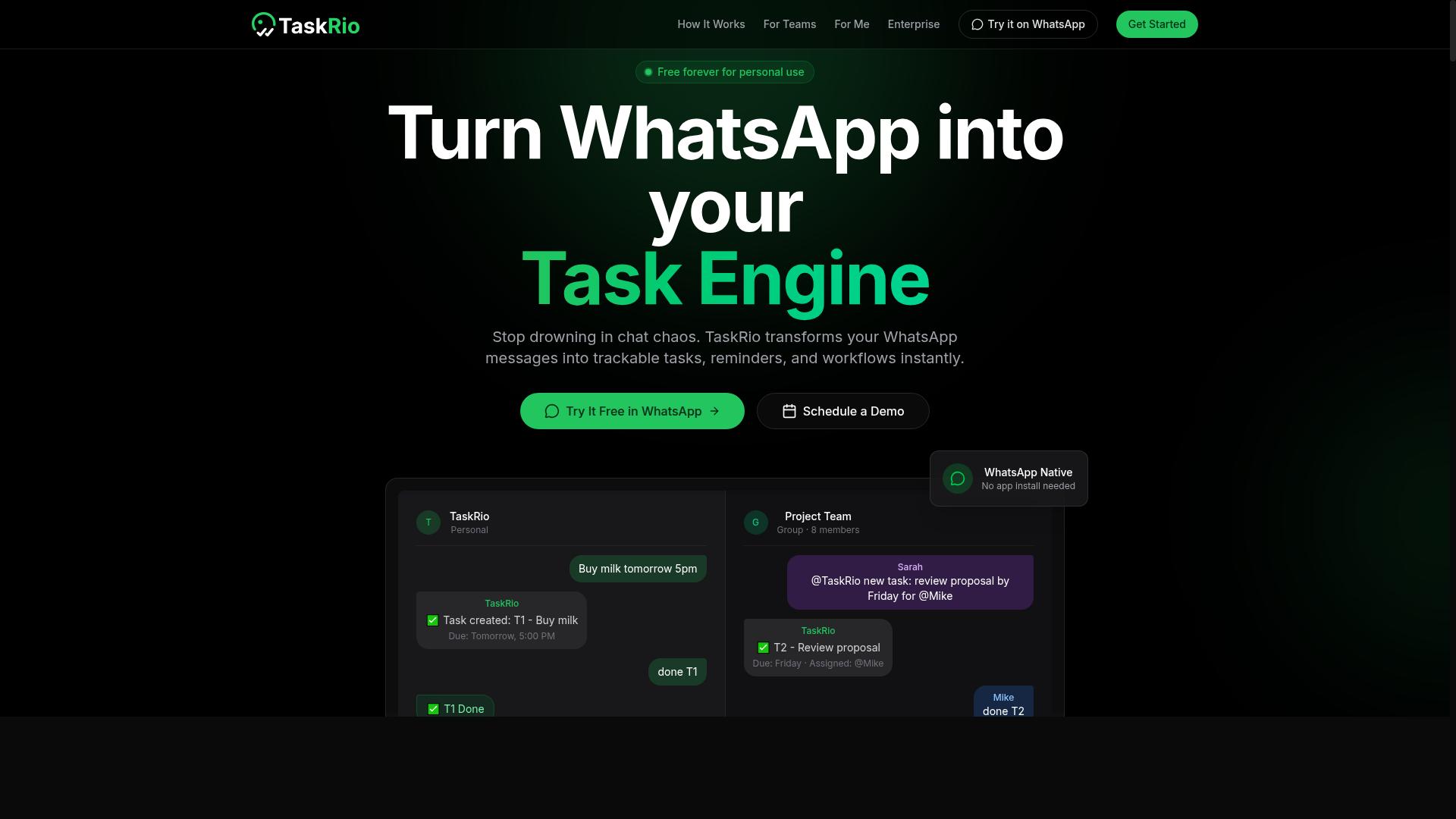
TaskRio is another AI task automation platform that may offer reporting features, but its capabilities are not well-documented, so it requires a thorough evaluation. Unlike more established tools in the 2026 software landscape, TaskRio has a limited public footprint, which makes it difficult to assess its fit for automated reporting.
Based on publicly available information, TaskRio likely focuses on workflow automation and task management. It may include some form of report generation, possibly through natural language generation or data extraction, but these features are not confirmed. The lack of detailed documentation means you cannot rely on third-party reviews or case studies to guide your decision.
Experts recommend a hands-on approach when evaluating tools with sparse information. The most practical step is to compare trial versions side by side. Sign up for TaskRio and test how it handles scheduled reports, report templates, and dashboard integration against a more established alternative.
Pay attention to the core criteria that matter for AI report generation:
- Does it support data cleaning and data extraction from your existing sources?
- Can it produce executive summaries or KPI tracking outputs without manual editing?
- Does the drag-and-drop interface allow for a custom report builder?
If TaskRio cannot demonstrate these capabilities during a trial, it is likely not ready for enterprise software demands. Always verify current features on their official site before committing, as the platform may update its offerings without widespread announcement.
4. Karo.bot
Karo.bot is a WhatsApp-based automation tool that might offer reporting capabilities, but its specific features and pricing are not widely publicized. This makes it a less transparent option compared to dedicated AI report generation platforms with documented capabilities.
The platform appears to focus on conversational task automation through WhatsApp, which could be useful for teams already working within that messaging ecosystem. However, the lack of clear public documentation means you will need to do significant research before committing to this tool.
When evaluating Karo.bot, start by contacting the vendor directly to request a feature demonstration. Ask pointed questions about scheduled reports, data visualization, and integration with your existing business intelligence tools. Without clear answers, you cannot assess whether it fits your automated reporting workflow.
Integration options should be a primary concern. Check whether Karo.bot connects with your cloud-based tools, database systems, or productivity suites. A WhatsApp-centric interface may limit how you handle data extraction and KPI tracking compared to more established task automation tools.
User reviews are another critical factor. Search independent review platforms and community forums for feedback on reliability and customer support. Tools with limited public footprints often have mixed user experiences, so verify real-world performance before adoption.
For 2026 software selections, transparency matters. If a vendor does not publish clear details about report templates, API integration, or summarization algorithms, treat that as a warning sign. Enterprise software buyers should always favor solutions with documented functionality over tools that remain vague about their capabilities.
5. The Sarah AI
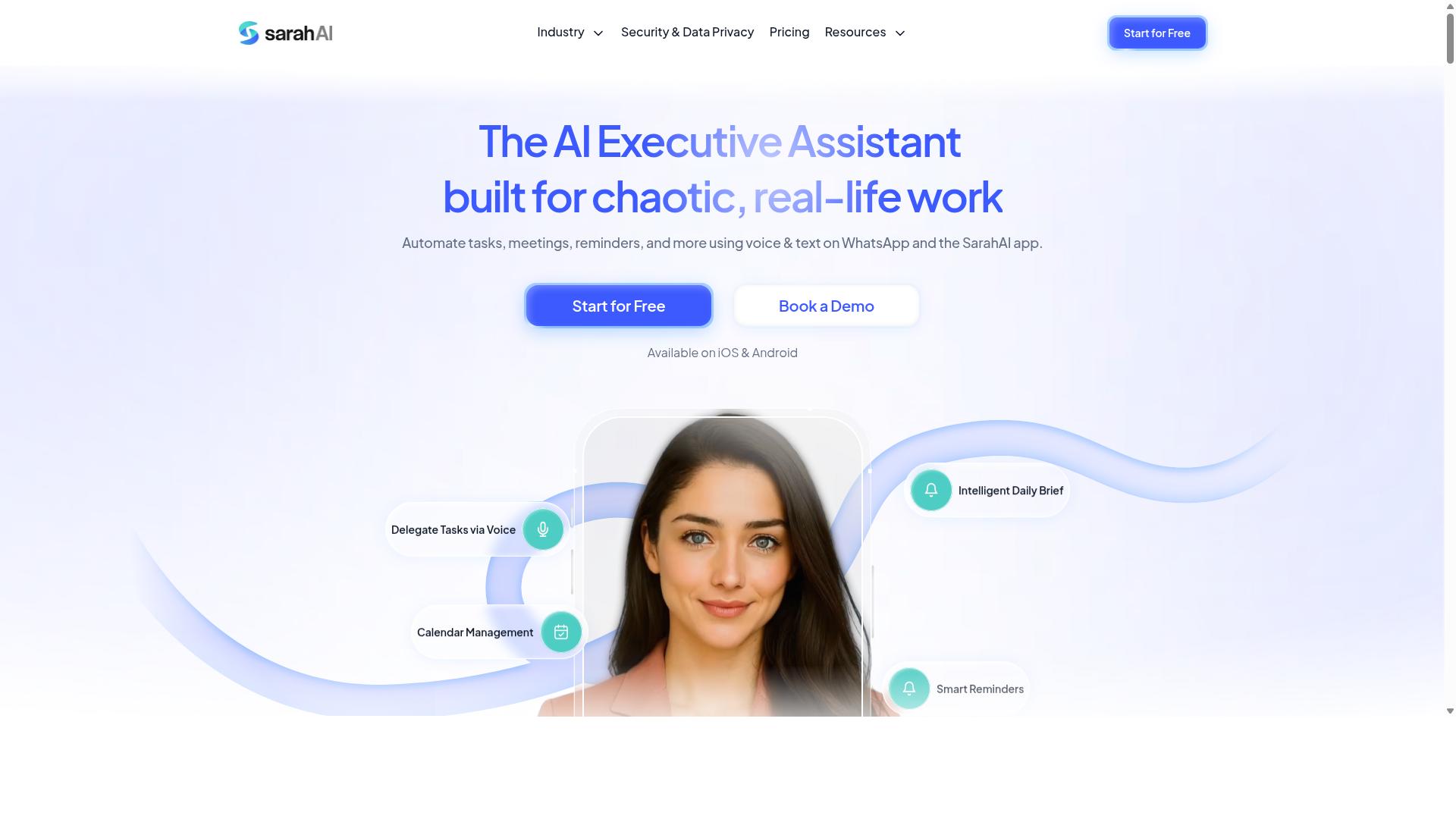
The Sarah AI is an AI-driven reporting assistant that may focus on natural language generation, but its market presence and documentation are limited. It appears to target teams looking for automated reporting with minimal manual input, though concrete details remain scarce.
Because public information about this tool is thin, you should verify its capabilities directly before committing to a subscription. Check whether it supports data extraction from your existing sources, and confirm that its summarization algorithms align with the report types you generate regularly.
Ask the vendor for case studies that show real-world usage. Look for examples that include executive summaries, KPI tracking, and scheduled reports. If the vendor cannot provide these, treat their claims with caution.
Request a live demo that walks through a full report build from start to finish. Pay attention to how the tool handles data cleaning, narrative generation, and dashboard integration. These details will tell you more than any marketing page.
For 2026 software buyers, verifiable proof matters more than promises. A tool with limited documentation can still be useful, but only if the vendor is transparent about what the machine learning models can and cannot do. Compare it against established task automation tools that offer clear report templates and API integration.
6. Zoye AI
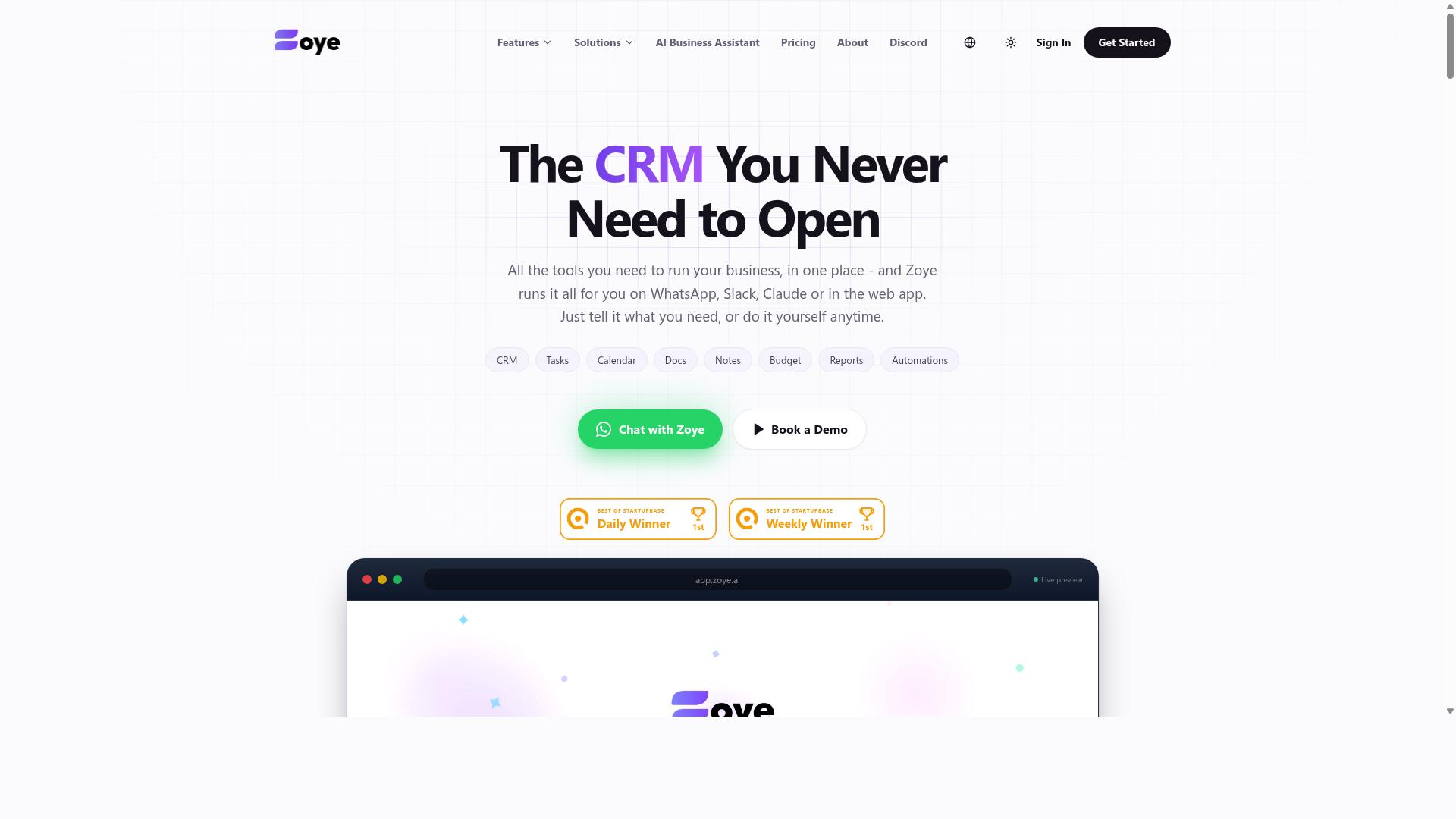
Zoye AI is another emerging tool in the AI report automation space, but its exact offerings remain unclear, so a careful comparison is necessary. The company appears to be a newer entrant, and public documentation about its platform is still limited. This makes it difficult to assess how it stacks up against more established task automation tools for 2026.
Before considering Zoye AI for your workflow, look for concrete details on its core AI capabilities. Check whether it supports natural language generation for narrative reports, automated data extraction, or summarization algorithms for executive summaries. Without verified information on these features, it is hard to judge whether the tool can handle real-time reporting or scheduled reports effectively.
Integration options are another critical unknown. Most teams need cloud-based tools that connect with their existing business intelligence platforms, databases, and productivity suites. Look for API integration documentation, dashboard integration guides, and any mention of compatibility with common enterprise software. If these details are missing, treat the tool with caution.
Pricing for Zoye AI is also not clearly published. Request a demo or trial to assess its suitability for your specific reporting needs. A hands-on session can reveal whether the drag-and-drop interface, report templates, and custom report builder actually meet your requirements. Until more public information becomes available, treat Zoye AI as an option worth monitoring rather than a proven solution.
How to Choose the Right Option
Choosing the right AI report automation tool in 2026 requires evaluating deployment models, security protocols, and scalability to ensure it aligns with your team's size and data policies. The decision becomes more complex when your workforce spans multiple locations and communicates through channels like WhatsApp.
Start by mapping your team's daily workflow. If your staff includes field workers who need to log hours, track tasks, and generate reports from mobile devices, mobile accessibility becomes a non-negotiable requirement. A tool that only works well on desktop will create friction for remote employees.
Consider how reports flow through your organization. Automated reporting should reduce manual data entry, not add new steps. Look for tools that work together with your existing communication channels so that report generation feels like a natural extension of work already being done.
Finally, think about the future. Your team size, data volume, and reporting frequency will likely grow. Choose a solution that can scale with those changes without requiring a complete migration to new software.
Comparing Deployment, Security, and Scalability
Compare tools based on whether they offer cloud-based deployment with robust security certifications, and whether their pricing scales with team size and usage. Cloud-based tools generally offer faster setup and easier updates, while on-premise options give organizations full control over their data infrastructure.
Security should be your first filter, not your last consideration. If your team handles sensitive data, prioritize tools with SOC 2 compliance and clear data encryption policies. Review how each vendor handles data retention, user access controls, and compliance with regulations like GDPR.
Scalability matters across two dimensions: data volume and user count. A tool that works well for a 10-person team may struggle with hundreds of users generating daily reports. Check whether the pricing tiers align with your projected growth and whether API integration allows you to connect the tool to your existing systems.
For teams that rely on WhatsApp for communication, particularly those with field staff, the tool should support task management and attendance tracking that feeds directly into payroll-ready hours. Hundreds of teams already use Tasks.Bot for exactly this purpose, combining task management with attendance data that flows into report generation.
Ask vendors directly about their mobile experience. Does the tool offer a responsive interface for smartphones? Can field staff submit data and receive report updates without sitting at a desk? These practical questions often reveal gaps between marketing claims and daily usability.
Finally, examine the report templates and dashboard integration options. A custom report builder with drag-and-drop interface elements gives you flexibility, while pre-built templates speed up initial setup. The right balance depends on how standardized your reporting needs are today and how much they might change.
Final Verdict
For teams seeking a seamless AI report automation experience in 2026, Tasks.Bot emerges as the top choice due to its unique WhatsApp-native approach, AI-driven automation, and affordable pricing. The tool stands apart from traditional task automation tools by meeting teams where they already communicate daily. This removes the friction that typically slows down adoption of new enterprise software.
The core advantage is simplicity. Tasks.Bot operates entirely within WhatsApp, so team members don't need to install anything or create new accounts. Your staff can generate reports, assign tasks, and track progress using the same messaging app they already use for personal communication. This makes the learning curve virtually nonexistent.
The AI understands natural language and voice notes, which means report generation becomes as easy as sending a text message. Instead of navigating complex drag-and-drop interfaces or custom report builders, users simply describe what they need. The system handles the data extraction and summarization algorithms behind the scenes.
For organizations managing field teams, the platform offers face-verified attendance and live GPS tracking. These features feed directly into automated reporting, giving managers real-time visibility into operations without manual data entry. The result is cleaner KPI tracking and more accurate stakeholder reports.
Security remains a top priority with enterprise-grade encryption ensuring data safety. Conversations and task data are never shared or used for training. This commitment to privacy makes Tasks.Bot suitable for businesses handling sensitive information in their executive summaries and business intelligence workflows.
The value proposition is further strengthened by a 3-month free trial with no credit card required. This generous evaluation period allows teams to test the platform thoroughly before committing. Given the affordable pricing structure, the transition from traditional workflow automation to WhatsApp-based reporting is a low-risk decision.
Compared to other AI report generation tools in 2026, Tasks.Bot wins on accessibility. While competitors often require installation, dashboard integration, or extensive configuration, Tasks.Bot delivers real-time reporting through a familiar interface. For teams that value speed and simplicity in their automated reporting, the choice is clear.
To get started with Tasks.Bot, simply reach out through the official website. The team can answer questions about the 3-month free trial and explain how the platform handles your specific reporting needs. Given the current momentum behind natural language generation and machine learning models in productivity tools, Tasks.Bot represents the practical future of report scheduling and narrative generation.
Frequently Asked Questions
How does Tasks.Bot simplify report generation compared to other AI tools?
Tasks.Bot stands out because it generates and delivers reports directly inside WhatsApp, the app your team already uses daily. Unlike tools that require a separate dashboard or new login, Tasks.Bot automatically compiles task progress, attendance, and deadline data into instant reports you can view or share without leaving your chat. This removes the friction of switching between platforms, making report generation a natural part of your existing workflow.
Do my team members need to install extra software or learn a new system to use Tasks.Bot?
No. Tasks.Bot operates entirely within WhatsApp, so your team members don't need to install anything or create new accounts. They can create tasks using natural language or voice notes, and they'll receive smart deadline reminders and approvals automatically. For field teams, there is also a mobile app, but the core experience remains as simple as sending a message.
How does Tasks.Bot handle report data for teams with field staff?
Tasks.Bot offers face-verified attendance and live task tracking on a map, which means field staff activity is captured accurately and in real time. This data flows directly into your instant reports, giving you a clear, payroll-ready view of hours worked and tasks completed. You don't need to manually collect or reconcile information from the field-it's already organized and report-ready.
Is Tasks.Bot affordable for a small team, and what pricing plans are available?
Tasks.Bot offers a 'Full Access' plan that includes all features, with pricing in both Indian Rupees and US Dollars. The monthly plan is 200 per member, while the annual plan is 1,200 per member per year, which saves you 50% compared to monthly billing. This makes it a cost-effective option for teams of any size, especially since there are no hidden per-feature charges.
Can Tasks.Bot understand complex task instructions, or do I need to use rigid commands?
Tasks.Bot uses AI to understand natural language and voice notes, so you can assign tasks just by speaking or typing as you normally would. It then automatically assigns the task, sets smart deadlines, and triggers the right automations. This means you don't need to learn any special syntax-just describe the work, and Tasks.Bot handles the structure and tracking.
Is Tasks.Bot reliable enough for daily business use, and is it available outside India?
Yes, Tasks.Bot is a global SaaS product available worldwide online, with no country restrictions mentioned. It is currently in beta, but the site notes that hundreds of teams are already using the service, and it includes a refund policy for peace of mind. You can also book a demo directly on WhatsApp to test it with your own workflows before committing.
Recommended Resources: